Access an overview of the details of your returned orders quickly and easily using this report feature.
When you request for an order to be returned to us, you can track its status on this report.
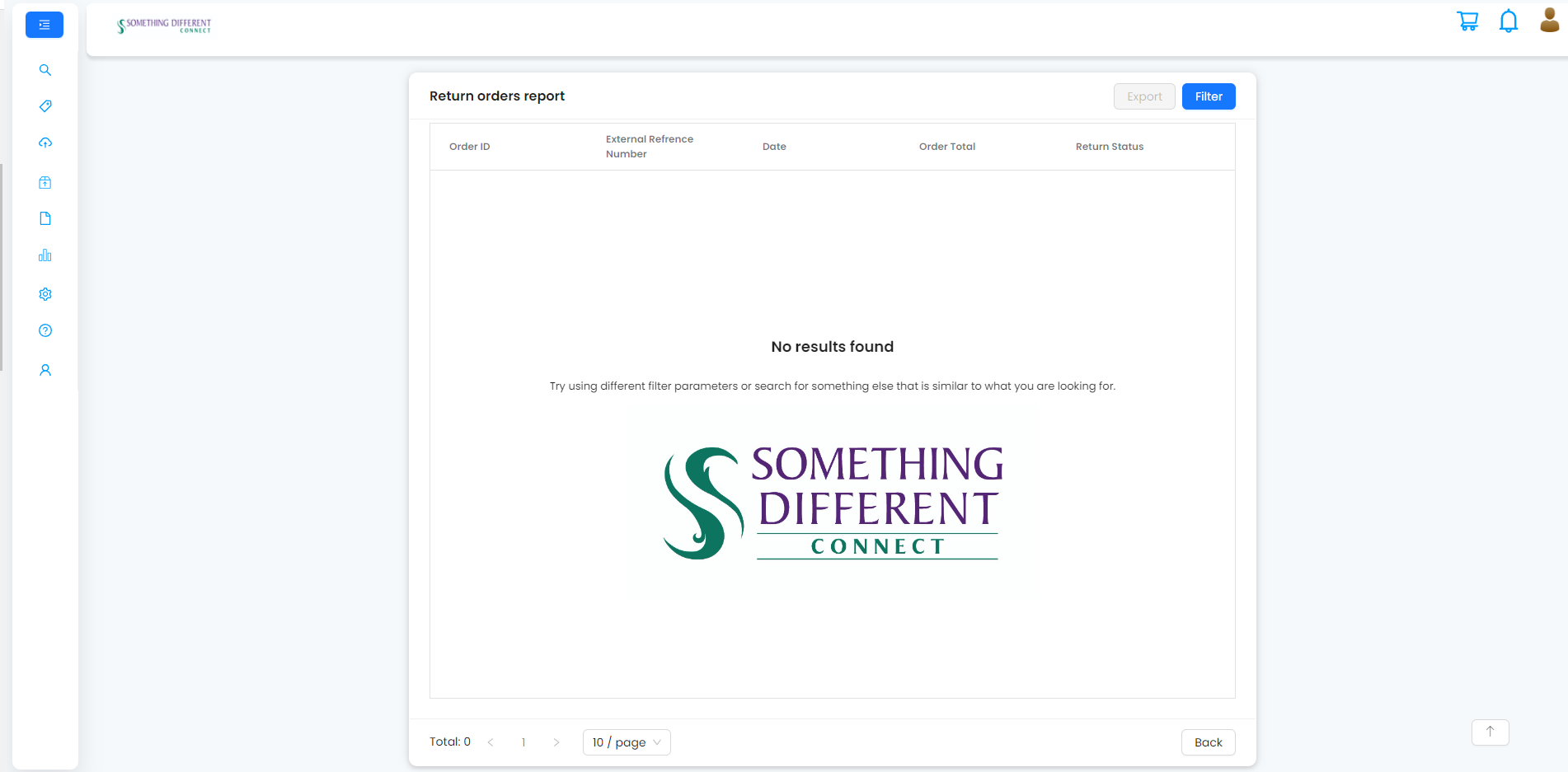
If there is no data to display or if you have filtered out all the available records, you will see the following screen:
Returned orders filter
To filter information in the report:
- Enter the customer's details (contact name, email or postcode) in the search box, select a return status to filter for or select a time period to filter the results shown.
- Click ‘apply’.
Was this article helpful?
That’s Great!
Thank you for your feedback
Sorry! We couldn't be helpful
Thank you for your feedback
Feedback sent
We appreciate your effort and will try to fix the article