The transactions report lets you take an overview of your account balance activity.
This feature covers information about credits and debits to your SD Connect account balance as orders are paid for, payments are made from your bank account/card, and refunds are actioned.
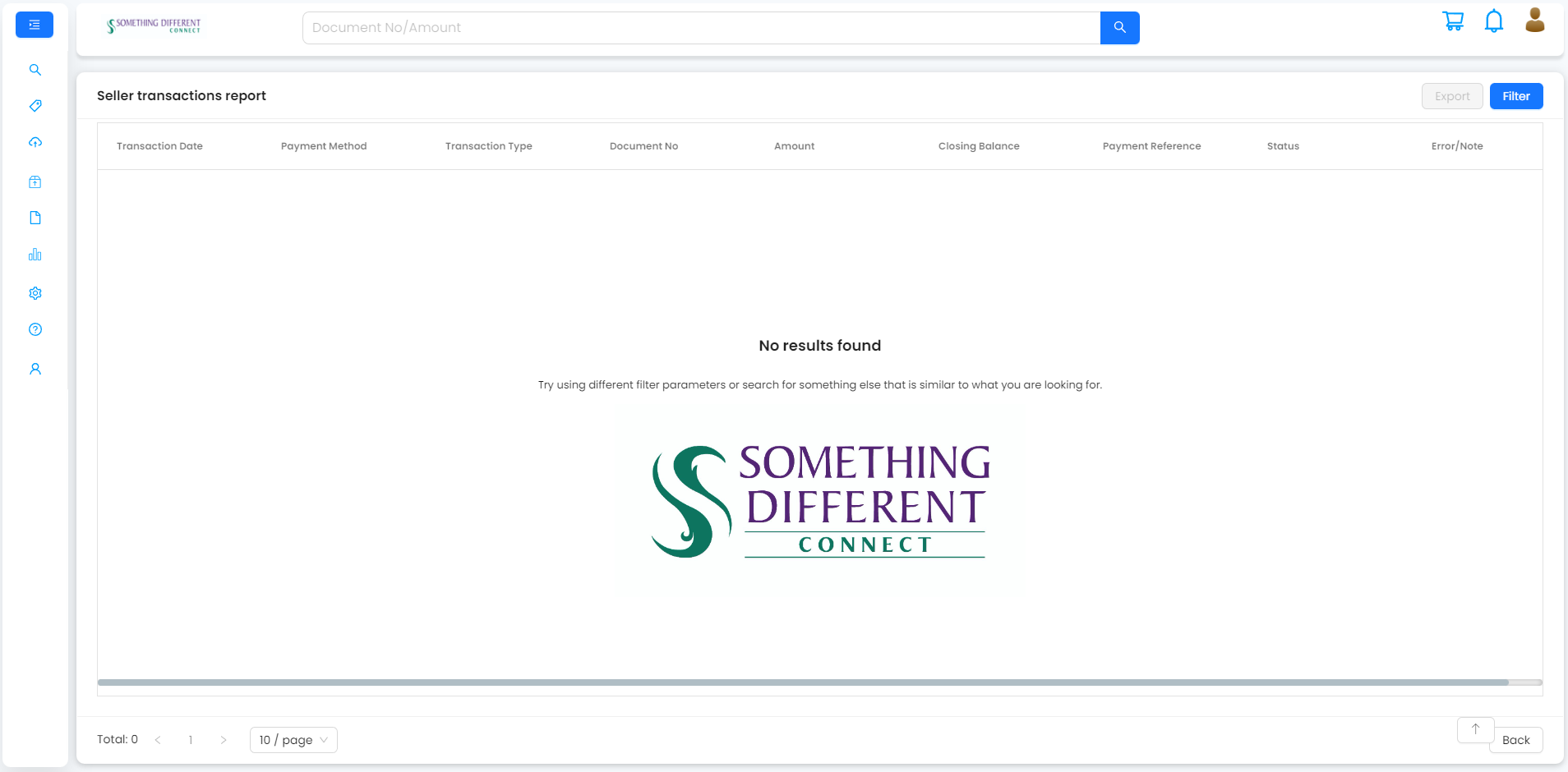
If you open this page before you have configured SD Connect, then you will see the following screen. Similarly, an incorrectly set filter will not return any results.
Transactions filter
When transactions are available, you can filter the results to find the information you need.
To filter information in the report:
1. Enter the order/document number or transaction amount in the search box, select a time period or select transaction type to filter the results shown.
2. Click ‘apply’.
Was this article helpful?
That’s Great!
Thank you for your feedback
Sorry! We couldn't be helpful
Thank you for your feedback
Feedback sent
We appreciate your effort and will try to fix the article